
How to add checkpoints while recording or editing
Go to Insert > Checkpoint or click on Insert Checkpoint relevant to the selected step in the keyword view.
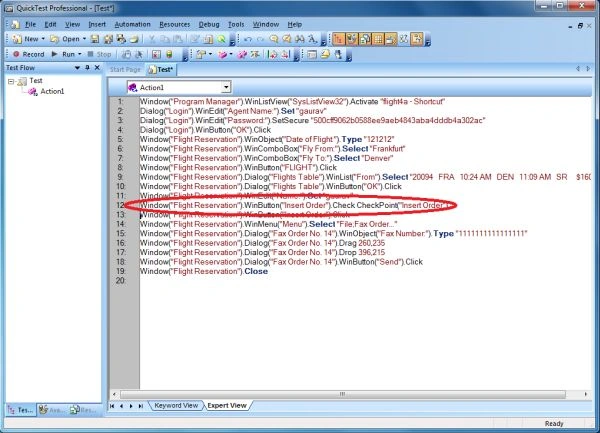
To add a checkpoint while editing only
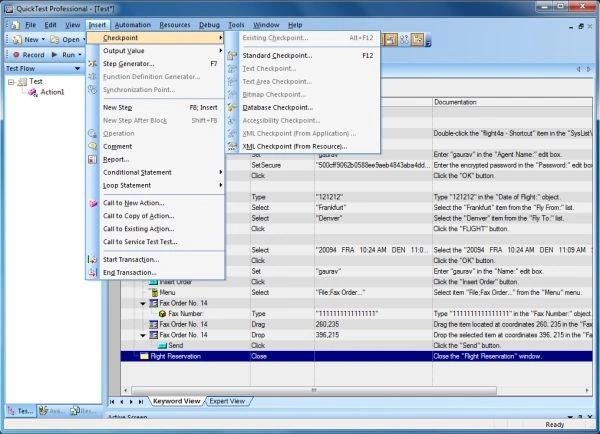
- Select the step in the keyword view where you want to add the checkpoint and choose Insert > Checkpoint > Standard Checkpoint.
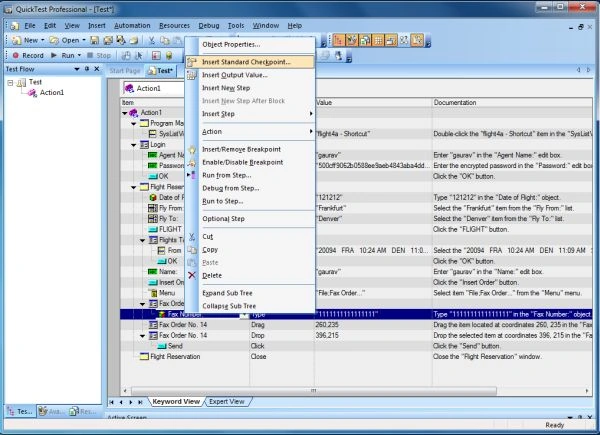
- Right-click the step in the Keyword View where you want to add the checkpoint and choose Insert > Standard Checkpoint.
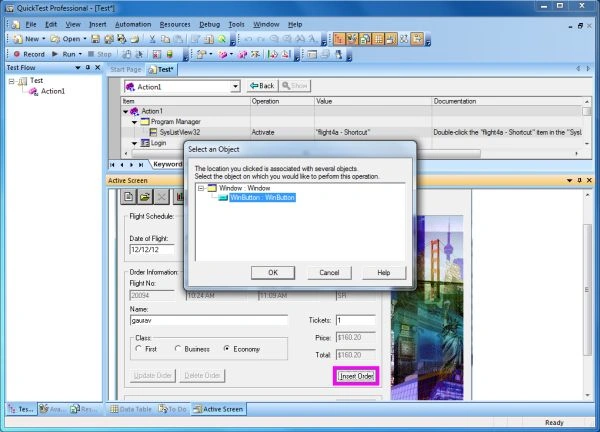
- Right-click any object in the Active Screen and choose Insert Standard Checkpoint. This option can be used to create checkpoints for any object in the Active Screen.
Join the conversation! Your thoughts help the community grow.