
Introduction
We are going to see how to access or retrieve the values required in the application at multiple places.
So by putting it in appsettings.json we can easily change it at a single place in the future and it will get reflected everywhere we used it.
It is like constant, which we use in our application throughout the application.
So it is good to put it in the appsettings.json and use accordingly so it will get reflected at the respective place, and we can utilize these values easily.
By following the below steps we can access or retrieve the values from appsettings.json,
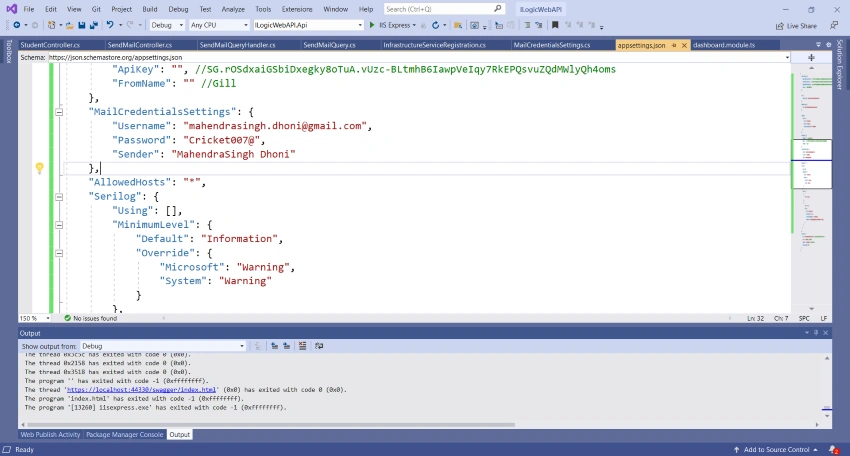
1. Need to make entry in appsettings.json
"MailCredentialsSettings": {
    "Username": "[email protected]",
    "Password": "Cricket007@",
    "Sender": "MahendraSingh Dhoni"
}
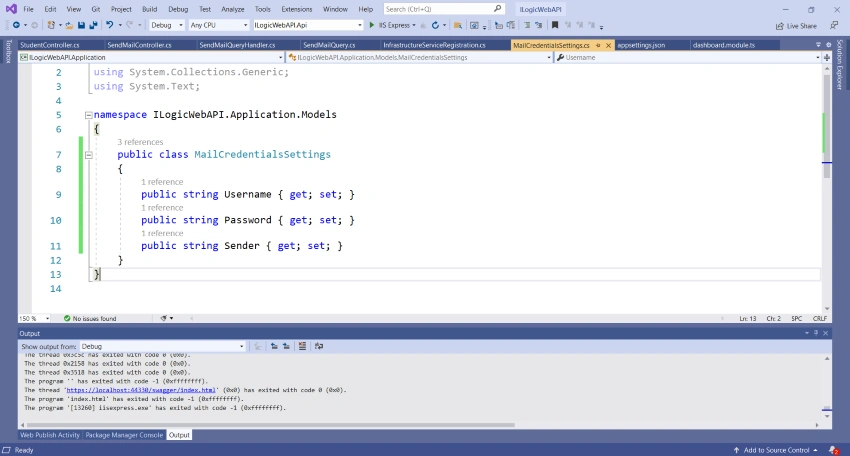
2. You need to create Class MailCredentialsSettings.cs with the attribute MailCredentialsSettings given in appsettings.json file in Model folder and provide the properties Username, Password and Sender etc which we have given inside that attribute in the appsetting.json.
public class MailCredentialsSettings {
    public string Username {
        get;
        set;
    }
    public string Password {
        get;
        set;
    }
    public string Sender {
        get;
        set;
    }
}
3. Need to make entry of that in InfrastructureServiceRegistration,
services.Configure<MailCredentialsSettings>(configuration.GetSection("MailCredentialsSettings"));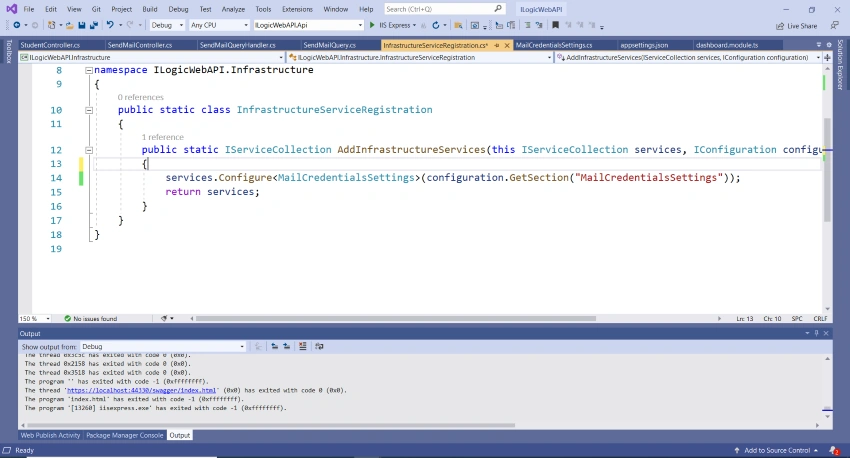
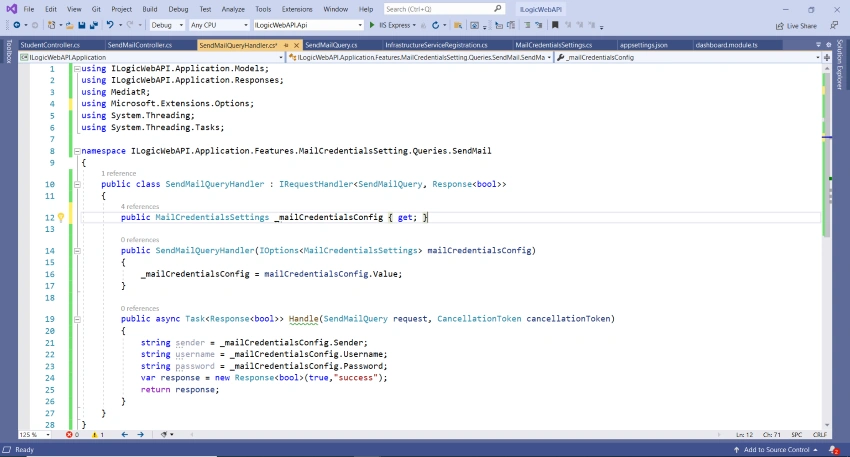
4. And need to change it accordingly in Handler. Declare local variable of that model type,
public MailCredentialsSettings _mailCredentialsConfig {
    get;
}
5. Need to pass parameter through constructor and need to assign this parameter to local variable.
IOptions<MailCredentialsSettings> mailCredentialsConfig6. Assign the parameter to that local variable inside constructor which we pass through constructor.
public SendMailQueryHandler(IOptions < MailCredentialsSettings > mailCredentialsConfig) {
    _mailCredentialsConfig = mailCredentialsConfig.Value;
}
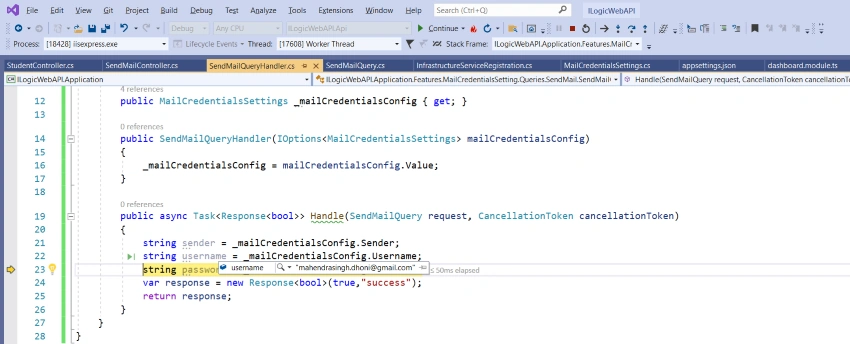
7. We can use that local variable to access the values from appsettngs.json.
string sender = _mailCredentialsConfig.Sender;
string username = _mailCredentialsConfig.Username;
string password = _mailCredentialsConfig.Password;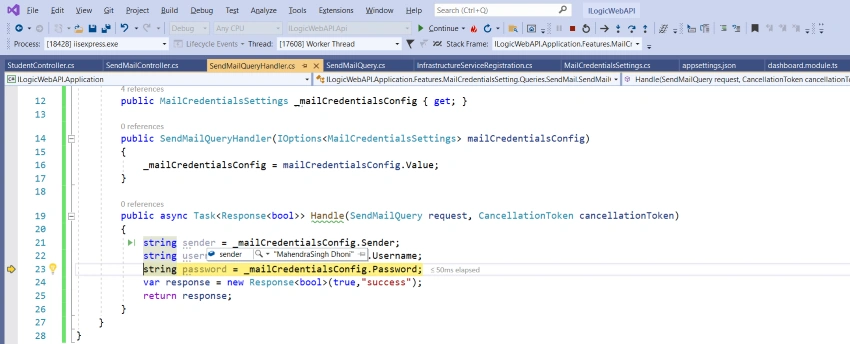
Summary
By using this article we have seen how to access or retrieve values from appsettings.json.
It is good to put the constant values in appsettings.json so we can retrieve that wherever we need to use it.
And we can easily change it in just one place in the future when needed so it will be reflected everywhere else.
Thank you for reading.
Join the conversation! Your thoughts help the community grow.