

To achieve the requirement we need to create two custom lists i.e. "All Apps" and "User App".
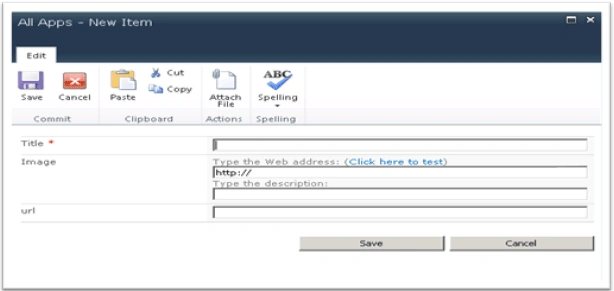
The "All Apps" list will have the columns shown below:
The "User Apps" list will have the columns shown below:
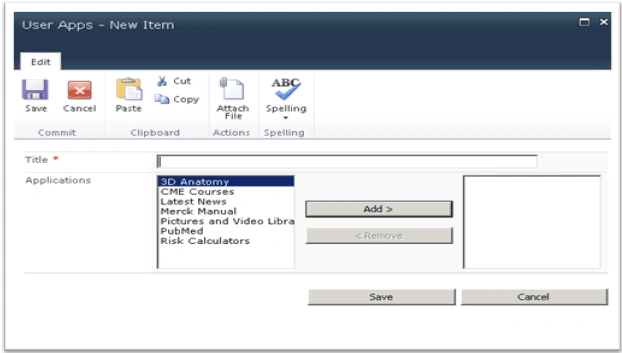
- Title: column contains the Users Name
- Application: column will be the lookup column from "All Apps" with multiple option selection.
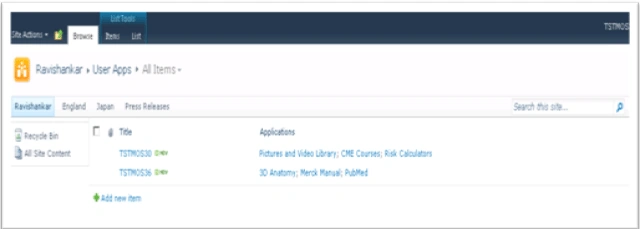
In this article I am not going to explain the process of adding users with applications. For your reference I am just adding the user manually and the final list will look as shown below.
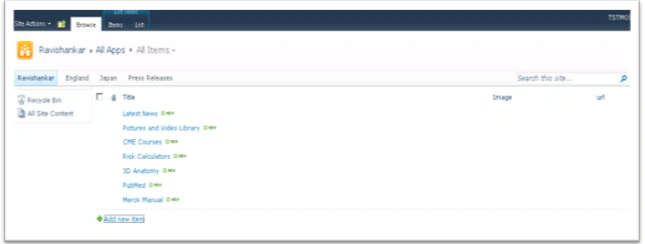
The "All Apps" list after filling data will look like:
The "User Apps" will look like below:
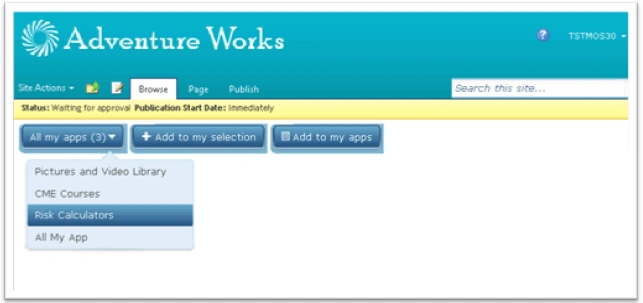
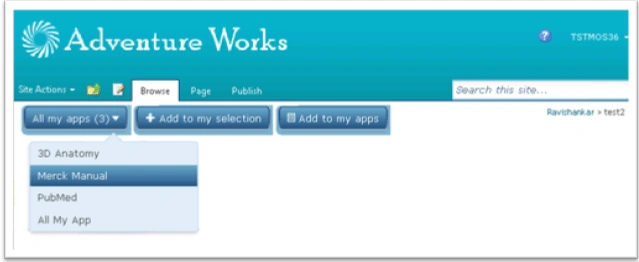
I have created a user control which contains the UI for the Application bar.
For User: TSTMOS30
For User: TSTMOS36
You can find the code attached with this article.
Hope it will support you while creating an Application toolbar with personalization.
Karthikeyan AnbarasanPosted Apr 8, 2011, 7:20 AM
Nice article!!!
piyush sardharaPosted Apr 8, 2011, 7:11 AM
thats good i will not idea about share point and get from that article thanks