

Power Apps Code Apps are a new way of building applications using modern front-end development practices, including frameworks like React and TypeScript. These apps are hosted and managed within the Microsoft Power Platform. Unlike Canvas Apps, which are built using a drag-and-drop interface, Code Apps are developed in a code-first environment using tools like Visual Studio Code.
Key Features
1 . Code-First Development
It follow a code-first approach, allowing developers to build applications using modern web technologies instead of only drag-and-drop tools. This gives more control over structure, logic, and UI behavior.
2. Seamless Data Connectivity
It can connect easily to enterprise data sources through Power Platform connectors like SharePoint and Dataverse and also external datasources like Azure SQL.
3. Component-based Architecture
Apps are built using reusable components, making it easier to scale, maintain, and share UI or logic across multiple parts of the app.
Quickstart: Project Setup
1. Initialize the Project
First, create your project using a ready-made template. This sets up all the basic files and folder structure for you.
npx degit github:microsoft/PowerAppsCodeApps/templates/vite my-app
cd my-app
2. Authenticate with Power Platform
Next, connect your CLI to your Power Platform environment so you can work with your tenant.
pac auth create
pac env select --environment <Your Environment ID>
How to get environment ID
Go to settings from make.powerapps.com.
Then, go to session details, it will open modal.
Copy url of Instance url.
3. Install Dependencies & Initialize App
Now install the required packages and initialize your Code App with basic metadata like the app name.
npm install
pac code init --displayname "My New Code App"
4. Run the App Locally
Finally, start the development server to run your app locally and see changes instantly as you build.
npm run dev5. Open link of Local Play

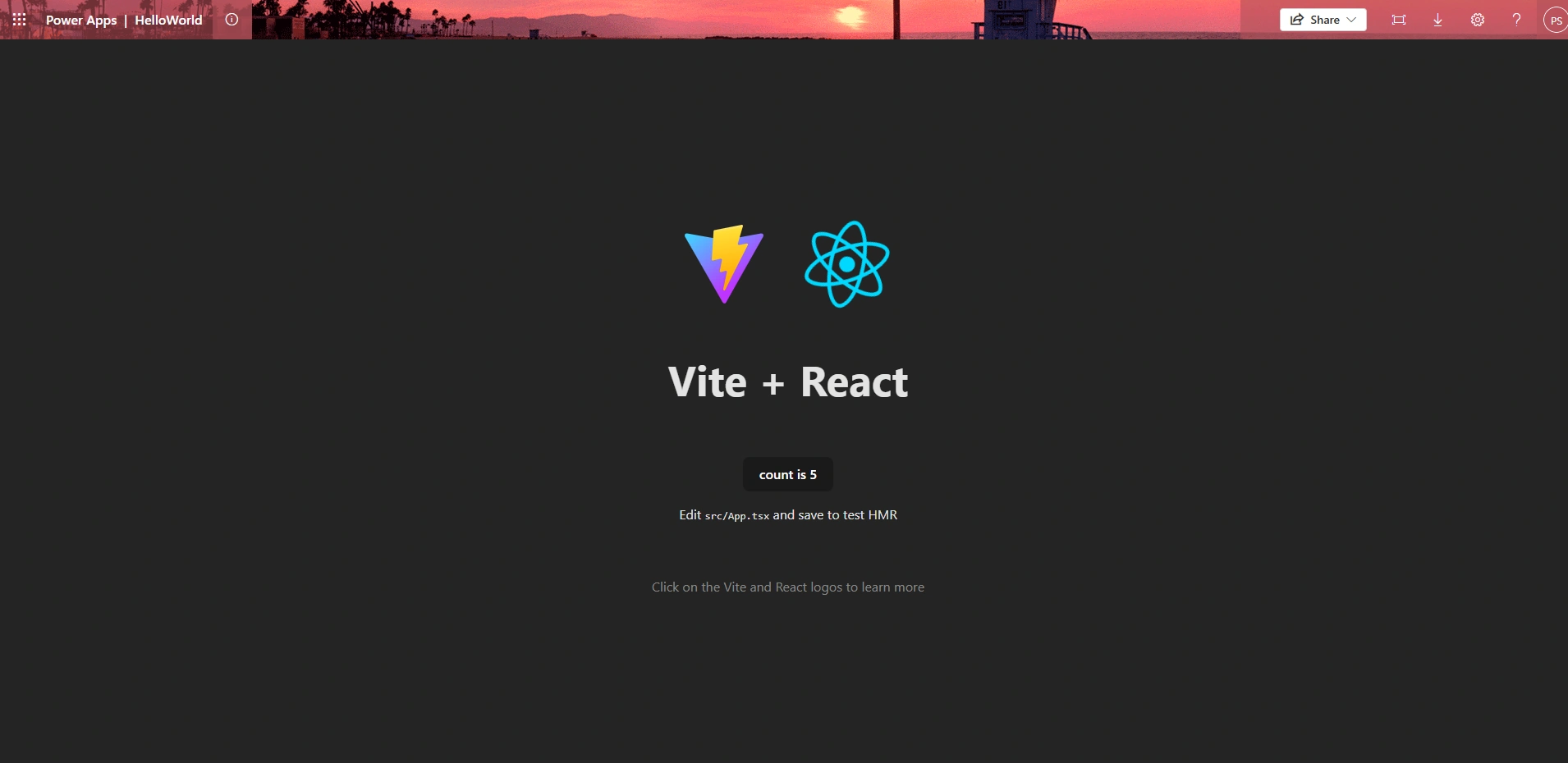
Conclusion
In this quickstart, we learned how to set up a Code App project using the Power Platform CLI, connect it to an environment, and run the app locally.
Join the conversation! Your thoughts help the community grow.