

Angular Pipe
Angular pipes can be used to transfer data into the desired output. Pipes take data in input and transfer data to a different output. Using this pipe operator ( | ), we can apply the pipe's features to any of the properties in our angular project.
Angular provides two types of pipe
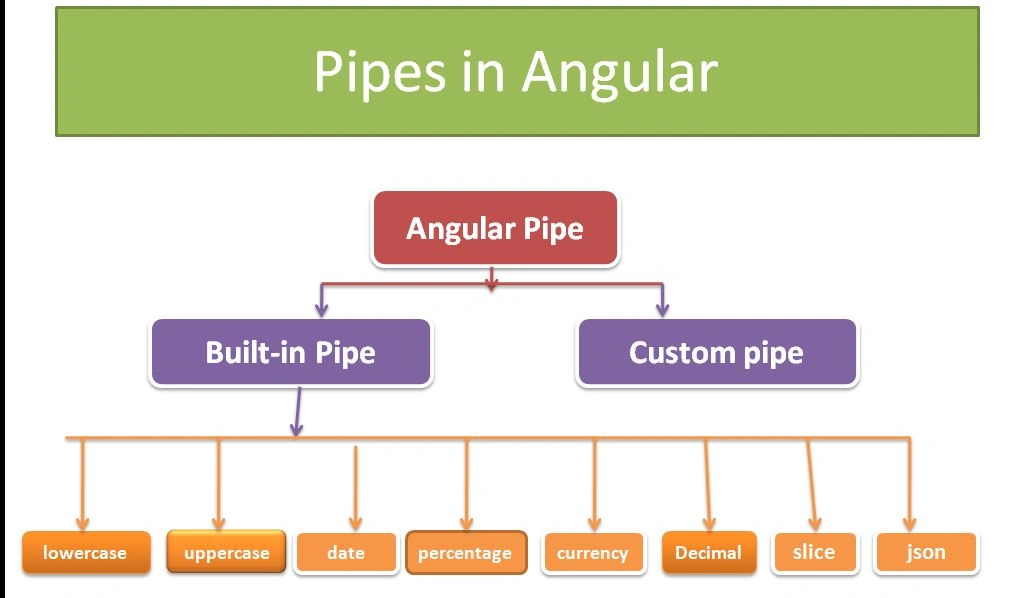
Built-in Pipes
Angular built-in pipes are pipes that are provided by the angular library.
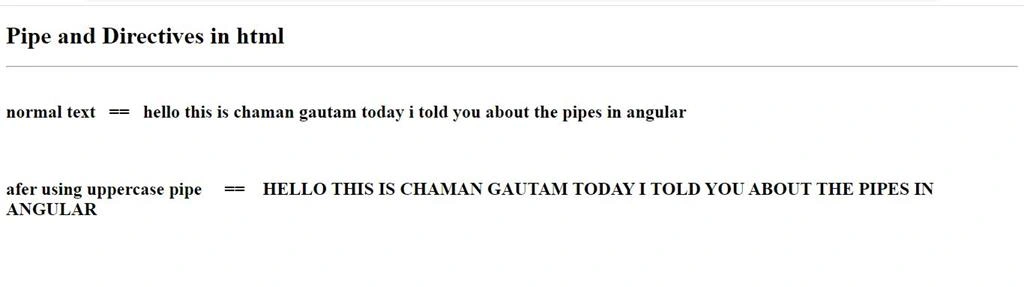
Upper Case Pipes
Uppercase pipes are used to change the normal text into uppercase text.
pipes.html
- <h1>Pipe and Directives in html</h1>
- <hr>
- <br>
- <h2>normal text == {{text}}</h2> <br> <br>
- <h2>afer using uppercase pipe == {{text | uppercase}}</h2>
- <br><br><br><br>
- <hr>
- import {Component} from '@angular/core';
- @Component({
- selector:'app-pipe',
- templateUrl:'./pipecomponent.html',
- styleUrls:['./pipecomponent.css']
- })
- export class pipecomponent{
- text="hello this is Chaman Gautam today I told you about the pipes in an angular"
- }
OUTPUT
LowerCase pipes
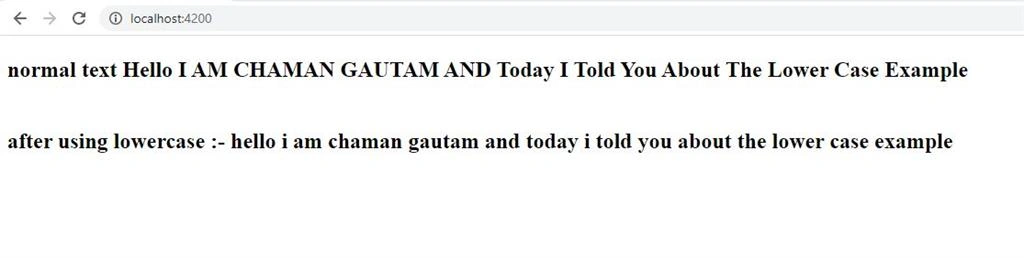
LowerCase Pipe is used to change the normal text into lowercase text.
pipes.html
- <h1>Pipe and Directives in html</h1>
- <hr>
- <br>
- <h2>normal text == {{text}}</h2> <br> <br>
- <h2>afer using lowercase pipe == {{text | lowercase}}</h2>
- <br><br><br><br>
- <hr>
- import {Component} from '@angular/core';
- @Component({
- selector:'app-pipe',
- templateUrl:'./pipecomponent.html',
- styleUrls:['./pipecomponent.css']
- })
- export class pipecomponent{
- title="
- Hello I AM CHAMAN GAUTAM AND Today I Told You About The Lower Case Example
- "
- }
Now compile this project using the command " ng serve" and after compiling successfully the output will be shown like this:
OUTPUT
Date Pipe
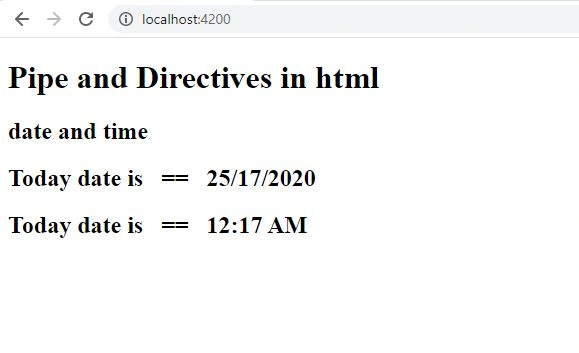
Date Pipe is used to display the date.
pipes.html
- <h2> date and time </h2>
- <h2>Today date is == {{date| date:'dd/mm/yyyy' }}
- </h2>
- <h2>Today date is == {{date| date:'shortTime' }}
- </h2>
- import {Component} from '@angular/core';
- @Component({
- selector:'app-pipe',
- templateUrl:'./pipecomponent.html',
- styleUrls:['./pipecomponent.css']
- })
- export class pipecomponent{
- date= new Date();
- }
Now compile this project using the command " ng serve" and after compiling successfully output will be shown like this:
OUTPUT
Currency Pipe
Currency Pipes are used to print the currency of the desired country
pipes.html
- <h1>Corrency Pipe</h1>
- <h3>normal value in indian rupies == {{ indianrupees}}</h3>
- <h2>value is converted in usd ==
- {{ indianrupees| currency:'USD'}}
- </h2>
- import {Component} from '@angular/core';
- @Component({
- selector:'app-pipe',
- templateUrl:'./pipecomponent.html',
- styleUrls:['./pipecomponent.css']
- })
- export class pipecomponent{
- indianrupees=1234567890;
- }
Now compile this project using the command " ng serve" and after compiling successfully output will be shown like this:
OUTPUT

Decimal Pipe
Decimal pipes are used to change a normal value into a decimal value.
pipes.html
- <h2>Decimal pipe</h2>
- <h2>
- {{value | number : '9.16'}}
- </h2>
- import {Component} from '@angular/core';
- @Component({
- selector:'app-pipe',
- templateUrl:'./pipecomponent.html',
- styleUrls:['./pipecomponent.css']
- })
- export class pipecomponent{
- value=8765435;
- }
Now compile this project using the command " ng serve" and after compiling successfully output will be shown like this:
OUTPUT

Percentage Pipe
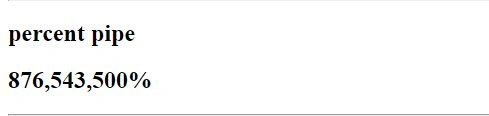
Percentage pipe is used to change a normal value into the percentage value.
- <h2>percent pipe</h2>
- <h2>{{value| percent}}</h2>
- <hr>
- import {Component} from '@angular/core';
- @Component({
- selector:'app-pipe',
- templateUrl:'./pipecomponent.html',
- styleUrls:['./pipecomponent.css']
- })
- export class pipecomponent{
- value=8765435;
- }
Now compile this project using the command " ng serve" and after compiling successfully output will be shown like this:
OUTPUT
Slice Pipe
A slice pipe is a parameterized pipe. Parameterized pipes accept any number of the optional parameters to get the desired output from the given input. Slice pipe is used to print a list of data like month list, days list, and a product list of any company.
- <h2>slice pipe</h2>
- <b>{{months | slice : 2:11}}</b>
- pipe.ts
- import {Component} from '@angular/core';
- @Component({
- selector:'app-pipe',
- templateUrl:'./pipecomponent.html',
- styleUrls:['./pipecomponent.css']
- })
- export class pipecomponent{
- months=['Januarr','February','March','April','May','June','July','August','September','October','Novenmer','December'];
- }
Now compile this project using the command " ng serve" and after compiinge successfully the output will be shown like this:
OUTPUT
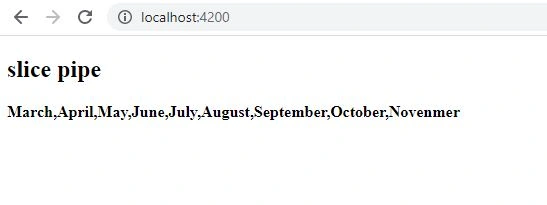
In this example, we display limited data between 2 to 11 from a list. means we print data according to the requirement.
Another example of slice pipes,
pipes.html
- <h2>slice pipe</h2>
- <b>{{months | slice}}</b>
- import {Component} from '@angular/core';
- @Component({
- selector:'app-pipe',
- templateUrl:'./pipecomponent.html',
- styleUrls:['./pipecomponent.css']
- })
- export class pipecomponent{
- months=['Januarr','February','March','April','May','June','July','August','September','October','Novenmer','December'];
- }
Now compile this project using the command " ng serve" and after compiling successfully the output will be shown like this:
OUTPUT
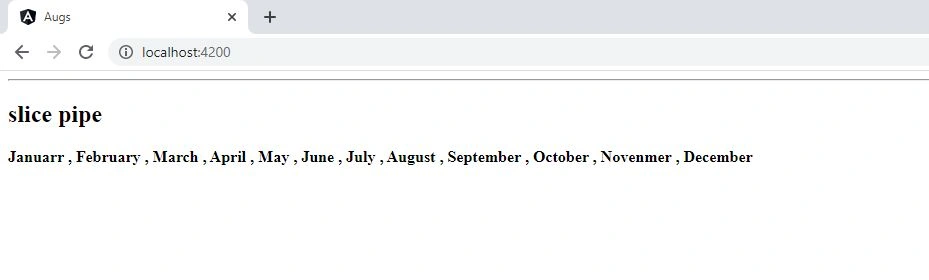
In this example, we print a complete list of data.
JSON pipes
JSON pipes are used to print complete data into the JSON format.
pipes.html
- <h2>json pipe</h2>
- <h2>{{ jsnoval | json}}</h2>
- <hr>
- import {Component} from '@angular/core';
- @Component({
- selector:'app-pipe',
- templateUrl:'./pipecomponent.html',
- styleUrls:['./pipecomponent.css']
- })
- export class pipecomponent{
- jsnoval={name:'chaman', course:'mca', address:'Vill+Po:- Salarpur kalan NTPC Dadri GB Nagar' } ;
- }
Now compile this project using the command " ng serve" and after compiling successfully theoutput will be shown like this:
OUTPUT

I hope you enjoyed this article. To learn more about angular follow me C# Chaman Gautam and to learn about more technology follow C# Corner. Thank you.
Join the conversation! Your thoughts help the community grow.