I hope you guys are doing good in this pandemic time and spare some time to help me out.
I am trying to filter the data based on the drop-down selections of a drop-down list. Here I will get the data from the JSON input.
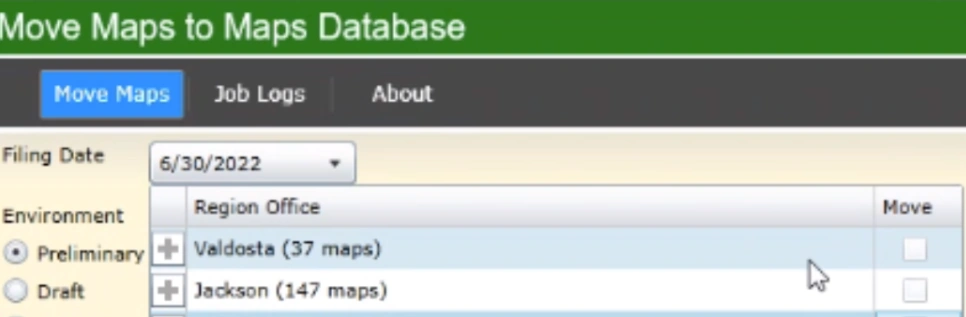
Here in the Filing Date, I have selected 06/30/2022 so for this date the below region offices are available.
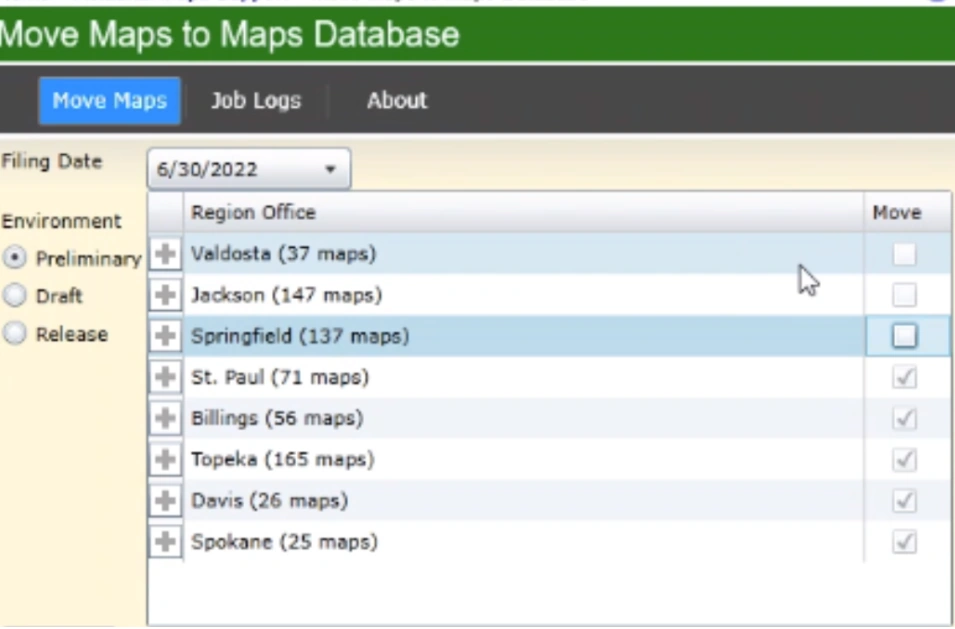
So if I change the date to any another date like 07/30/2022 it is showing only 2 region offices
And if we expand the + icon it should display the values like below. That is the requirement and I am done with writing the code for expanding collapse functionality.
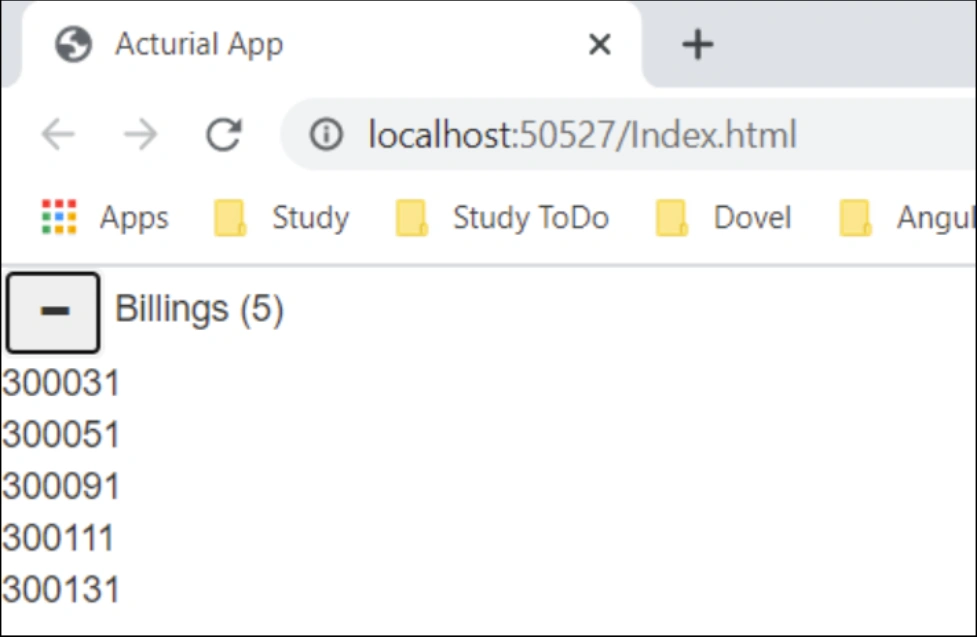
However, I am not sure how I need to bind the data associated with the date and display below. Here is the code I have written
- var app = angular.module('acturial', ['ui.bootstrap']);
- ////configure routes
- //// TODO:Will implement and configure routes but for now it is not needed
- //app.config(function ($routeprovider) {
- // $routeprovider
- // // route for default page
- // // in our case only page exists for now
- // .when('/', { templateurl: 'Index.html', controller: 'Regioncontroller' })
- // //todo: can able to add more pages using by specifting the condition in when clause
- //});
- var RegionController = function ($scope, $http) {
- $scope.title = "Acturial App";
- //$scope.data = [{
- // "name": "Billings",
- // "values": ['300031', '300051', '300091', '300111', '300131']
- //}];
- var regionDetails = [
- {
- "date": "6/30/2022",
- "regionOffice": [
- {
- "name": "Valdosta",
- "values": [
- "300031",
- "300051",
- "300091",
- "300111",
- "300131"
- ]
- },
- {
- "name": "Jackson",
- "values": [
- "300031",
- "300051",
- "300091",
- "300111",
- "300131"
- ]
- },
- {
- "name": "Springfield",
- "values": [
- "300031",
- "300051",
- "300091",
- "300111",
- "300131"
- ]
- },
- {
- "name": "Billings",
- "values": [
- "300031",
- "300051",
- "300091",
- "300111",
- "300131"
- ]
- }
- ]
- },
- {
- "date": "7/30/2023",
- "regionOffice": [
- {
- "name": "Springfield",
- "values": [
- "300031",
- "300051",
- "300091",
- "300111",
- "300131"
- ]
- },
- {
- "name": "Billings",
- "values": [
- "300031",
- "300051",
- "300091",
- "300111",
- "300131"
- ]
- }
- ]
- }
- ];
- $scope.dataArray = regionDetails;
- //var billingDetails = {
- // name: 'Billings',
- // values: ['300031', '300051', '300091', '300111', '300131']
- //}
- //$scope.data = billingDetails;
- // TODO:Still have to make some improvements for the below functions
- // The below code will be used when we have WebAPI endpoint so we can use that to populate the data
- // instead of the static/hard-coded data
- //var onUserComplete = function (response) {
- // $scope.data = response.data;
- // $http.get($scope.regionUrl)
- // .then(onRepos, onError);
- //}
- //onRepos = function (response) {
- // $scope.data = response.data;
- //};
- //var onError = function (response) {
- // $scope.error = "Couldn't able to retreive the data";
- //}
- $scope.expandedRegion = null;
- $scope.manageCollapseExpand = function (obj, isExpandedRegion) {
- obj.expanded = !obj.expanded;
- if (obj.expanded) {
- if (!isExpandedRegion) {
- $scope.expandedRegion = obj;
- }
- }
- }
- };
- app.controller("RegionController", ["$scope", "$uibModal", "$http", RegionController]);
Here is the HTML Page
{{title}} - Filing Date: