

In this article, we will cover how to bring a database online from the suspect mode in an SQL server. Along with that, we also explain the meaning of SQL database in suspect mode and the reasons for this issue. So, let us start the article.
First, let us understand what SQL suspect mode means.
When the SQL database shows the suspect mode instead of online, it resembles that the database has started to recover the corrupted file but is not finished yet. There are various reasons for this issue. Below we suggested a few common reasons for the error message.
Why Does This Error Occur?
The SQL database goes to suspect mode due to many reasons. However, some reasons are more prevalent than others. Therefore, before you bring the database online from the suspect mode in the SQL server, we discuss some common causes for the SQL server issue.
- Abrupt shutdown of the SQL server leads to various issues. SQL Suspect mode is also one of those problems.
- When the database is unable to access the location of the log files and other important files, it shows the SQL server in suspect mode.
- If the files required by the database are opened in any other third-party application or by antivirus software, you will also experience the same issue.
- Insufficient disk space is another main reason for SQL databases being in suspect mode.
- Server crash sent your SQL database in Suspect mode.
- Sometimes, the SQL server database file corruption also causes this issue.
The above are a few scenarios when your SQL database is in suspect mode. We will explain an effective method to fix the problem.
How to Bring Database Online from Suspect Mode in SQL Server?
You have understood what are the main reasons for your database to be in suspect mode. Now, it is time to learn how to recover SQL database from suspect mode. We discuss the most efficient and easy solution to fix the DBMS issue. To perform the steps you need the SSMS (SQL Server Management Studio).
Perform the below steps to repair database in suspect mode in SQL Server
- First, launch the SSMS and connect it to the database.
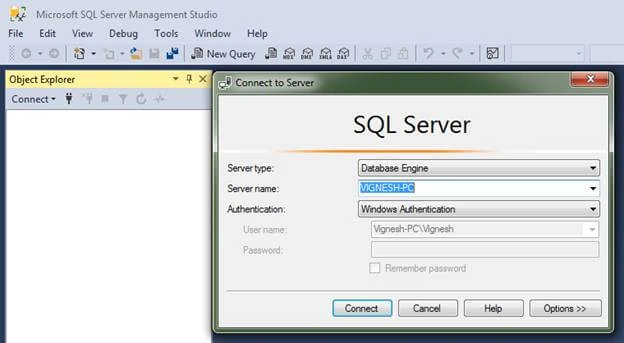
- Now, choose New Query and set the database to the emergency mode by passing the following command.
SQL
EXEC sp_resetstatus ‘db_name’;

ALTER DATABASE db_name SET EMERGENCY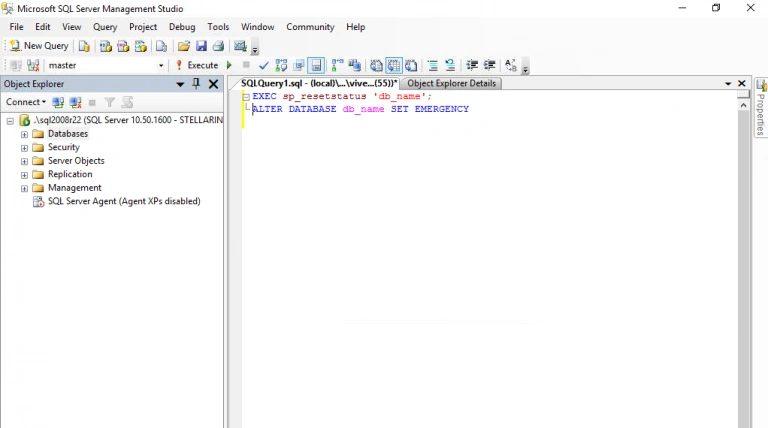
- After that, give the below command for Consistency Check. It helps you to identify whether the database files are corrupted or not.
SQL
DBCC CHECKDB (‘database_name’)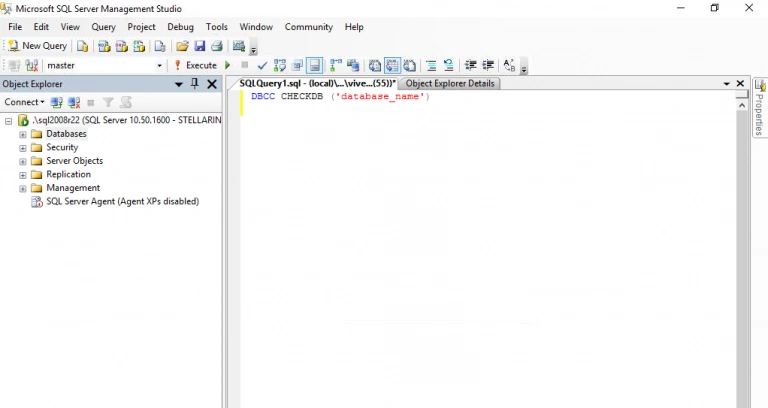
- Enable Single-User Mode and execute the below command to roll back the last transaction.
SQL
ALTER DATABASE database_name SET SINGLE_USER WITH ROLLBACK IMMEDIATE - Take the backup of your database items to prevent data loss. give the following command to repair and rebuild the SQL database lost missing rows.
SQL
DBCC CHECKDB (‘database_name’, REPAIR_ALLOW_DATA_LOSS)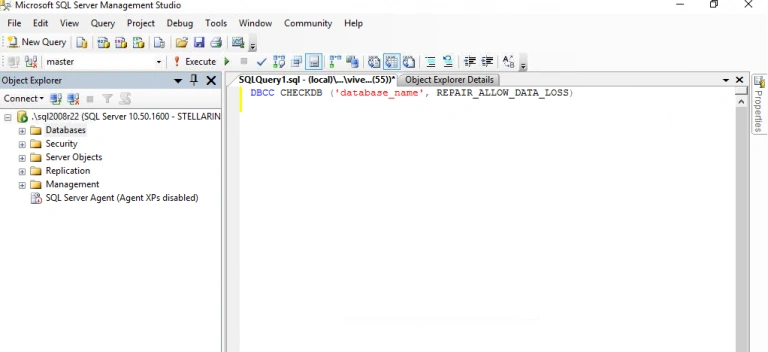
- After that, deactivate the Single-User mode and enable the Multi-User Mode.
SQL
ALTER DATABASE database_name SET MULTI_USER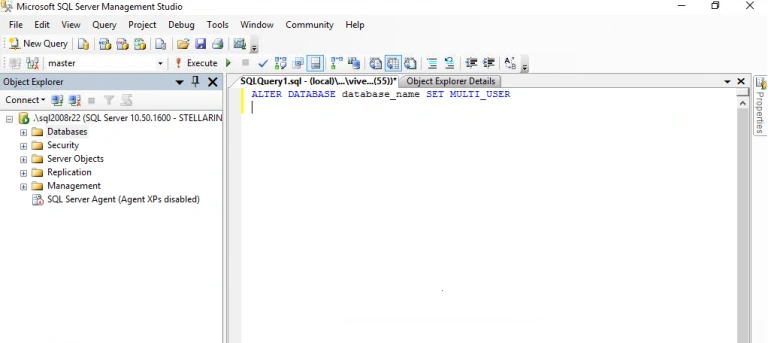
- At last, restart the SQL database server. It will bring the database online from suspect mode in SQL server.
After performing the above steps, anyone can easily restore their corrupted database files and repair database in suspect mode in SQL server.
Conclusion
I hope after reading this article you will get a satisfactory solution to recover SQL database from suspect mode. We explained what are the main reasons behind the database issue and also explained a simple yet effective manual method. However, if the problem originates due to corrupted database files, we suggest you opt for any advanced professional approach.
Join the conversation! Your thoughts help the community grow.